

How To Create A Tenant In Office 365
How to create your own Office 365 Tenant
To host your own mailbox, to experiment with new features you can create your own tenant . In this blog I will explain how you can get started.
What is a Microsoft Office 365 tenant
A Office 365 tenant , or Microsoft 365 tenant or Azure tenant is the same regardless of the service you are using.
When your organisation uses Microsoft's services, Microsoft creates a tenant in which only you are granted access rights. See tenant isolation.
You can add your mail domain to your tenant. This can only be done on one tenant at a time. So if you want to experiment, better not with your organisation domain.
Your tenant has a unique tenant name, organisation.onmicrosoft.com. you can never change this name after you have created your tenant.
It is really not a problem that you do not have the most beautiful tenant name. This name is often invisible. The easier it is for your users the better. Because this URL will be copied here and there between environments.
How to create a commercial tenant
Browse to: https://signup.microsoft.com (Office 365 E3 trial)
OR Browse to: https://go.microsoft.com/fwlink/p/?LinkID=787538 for an education tenant.
Fill in your details and click on next.
In this testtenant you add a Office 365 E3 licence. Later you can always try all licences in trial.
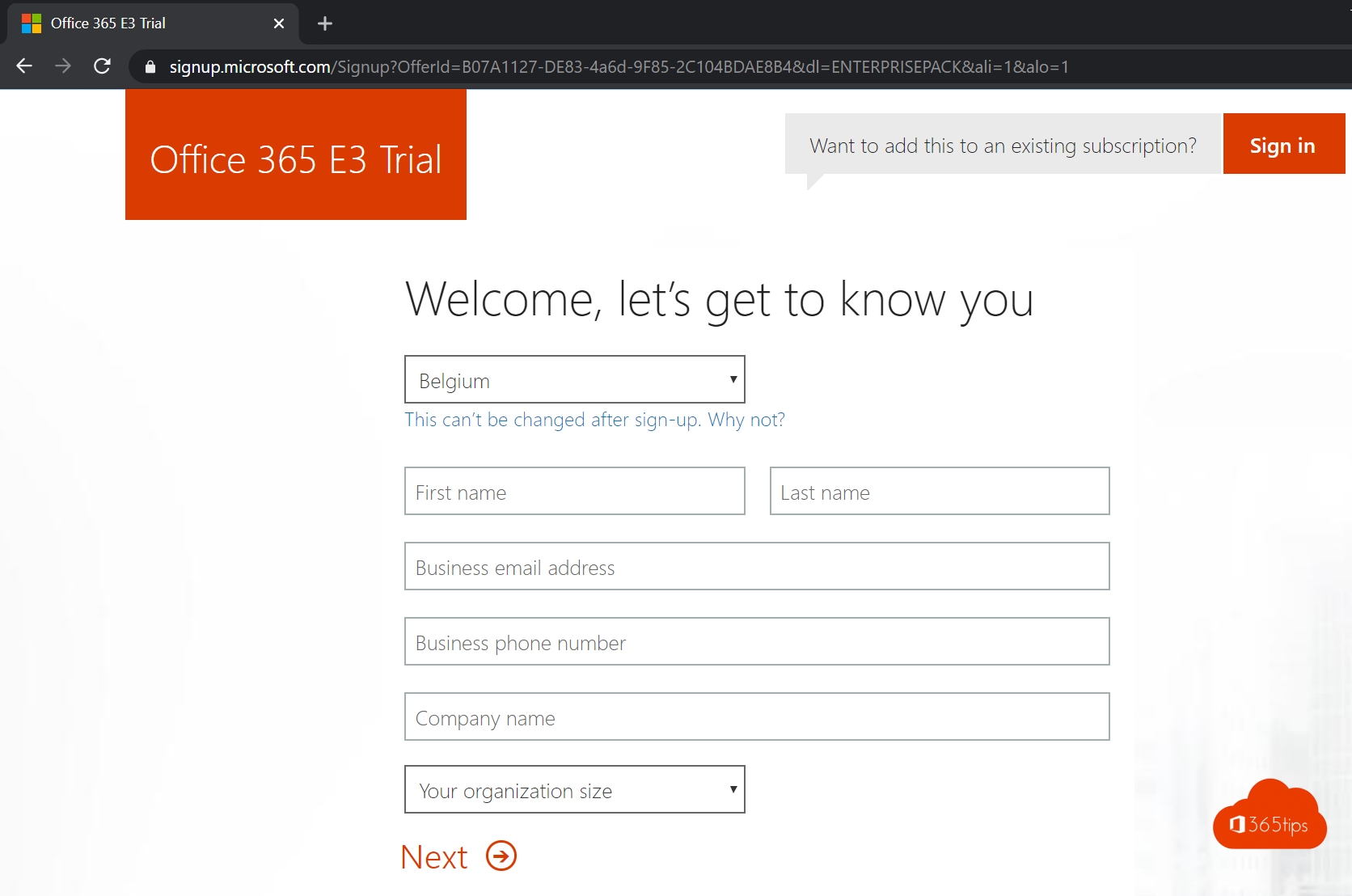
After filling in your details, you will enter the following wizard.
Enter your mobile phone number. Enter the SMS response.
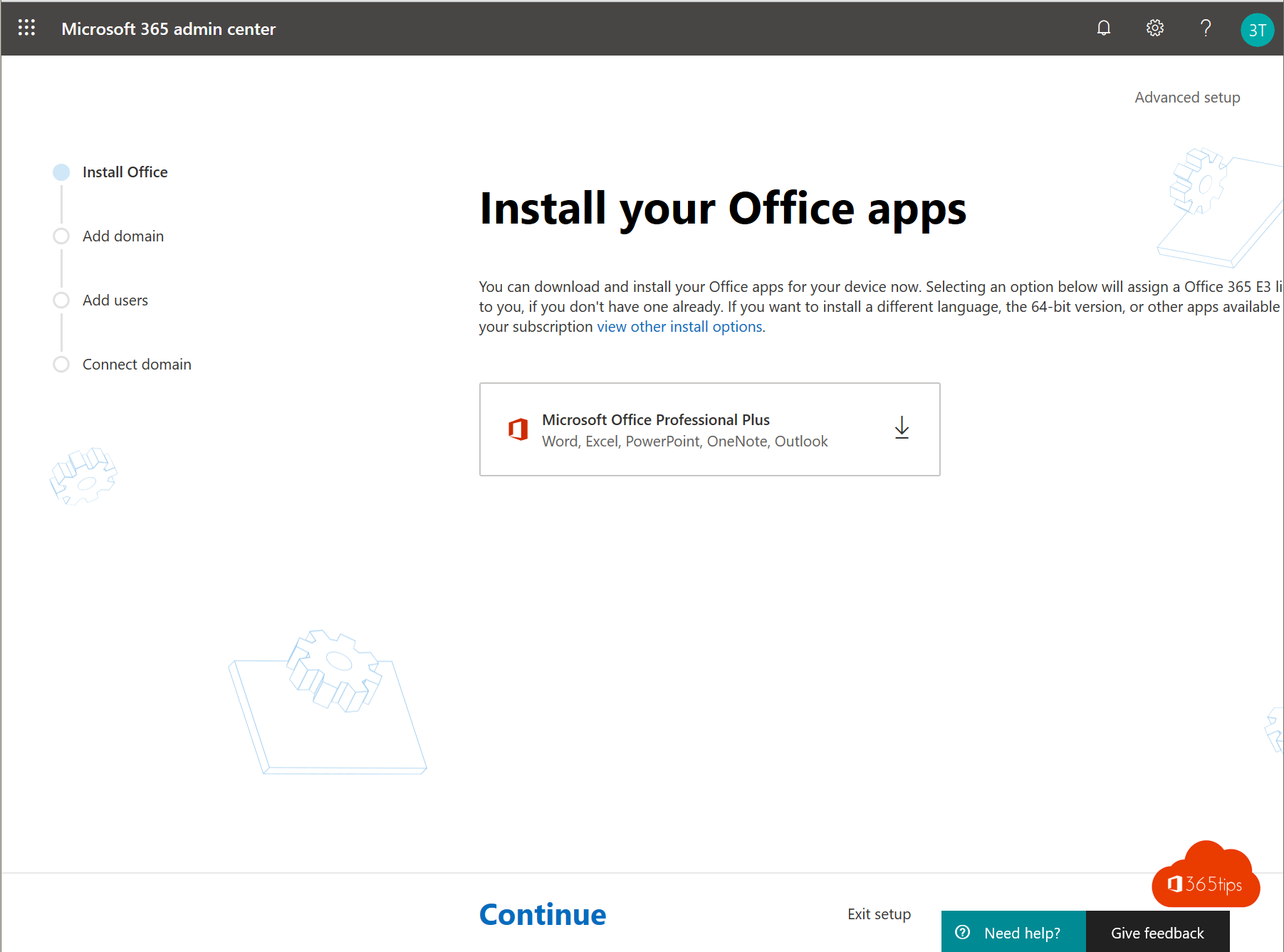
From now on you will have a demo environment in which you can experiment with a Office 365 E3 licence.
Create an education tenant
Please follow the steps below to create an education tenant . Education tenants have free A1 licences without specific rules. So that you can immediately start working with students.
I also recently wrote a complete quick start for an educational environment, here.
navigate to: https://go.microsoft.com/fwlink/p/?LinkID=787538 for an education tenant.
Fill in your details and click on next.

After filling in your details, you will enter the following wizard.
Enter your mobile phone number. Enter the SMS response.
Welcome to Office 365 Education.

Add a domain

Licences for pupils & students + teaching staff can be put here.

Getting your DNS settings right is the next step. you can do that via this blog.
When to choose a demo or production M365 tenant
It is best to create a separate tenant for testing.
Do not add your domain to the test tenant. Maybe a subdomain.
Should it be necessary to put your tenant into production, it is always possible to link CSP or EA agreements later.
Changing tenant from educational to commercial or vice versa is not possible.
Activate a demo licence in Office 365
1. Purchase trial licence -> Browse to your admin portal - https://admin.microsoft.com
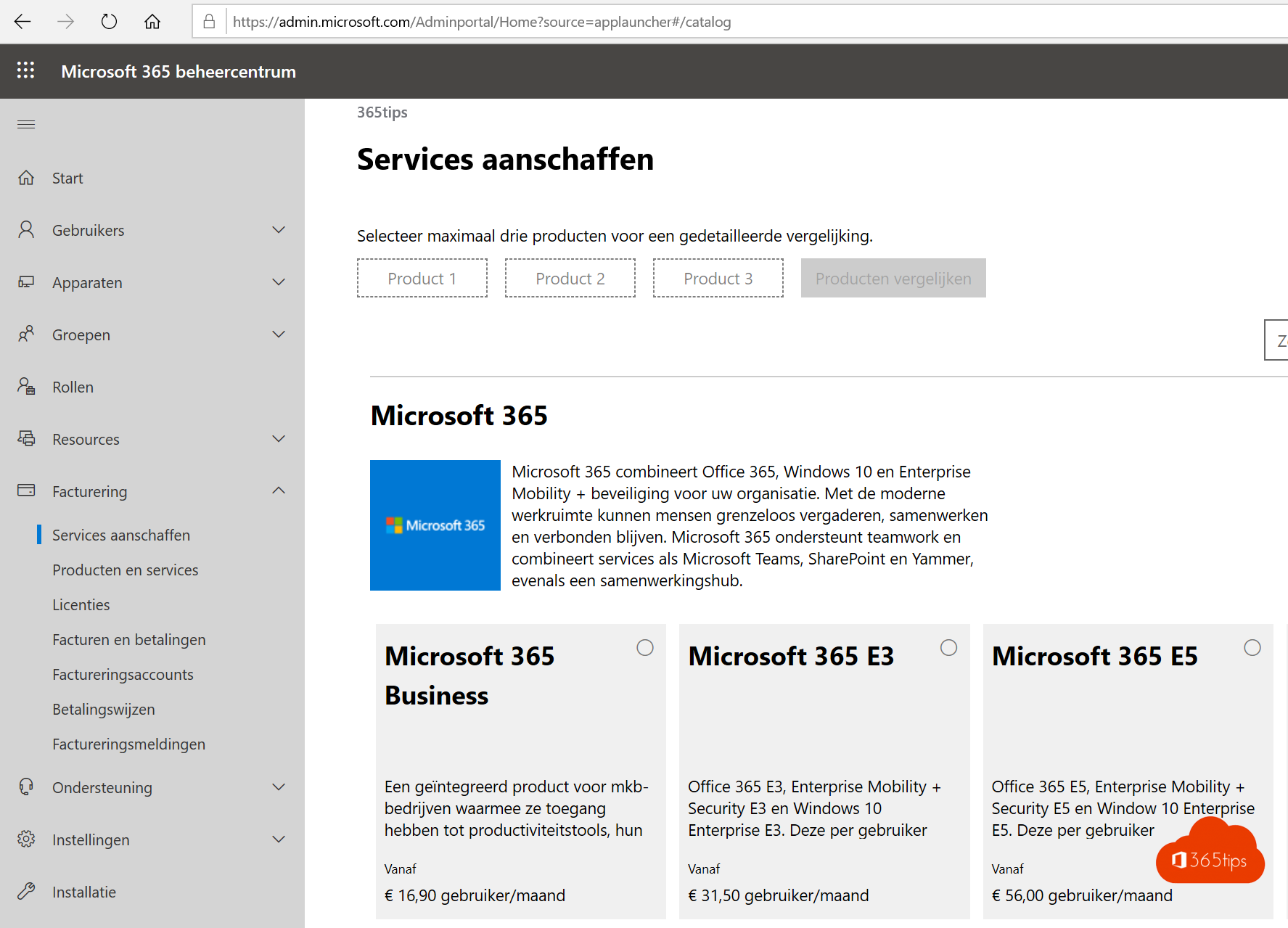
2. Choose the desired licence
Select the desired licence
Select free trial
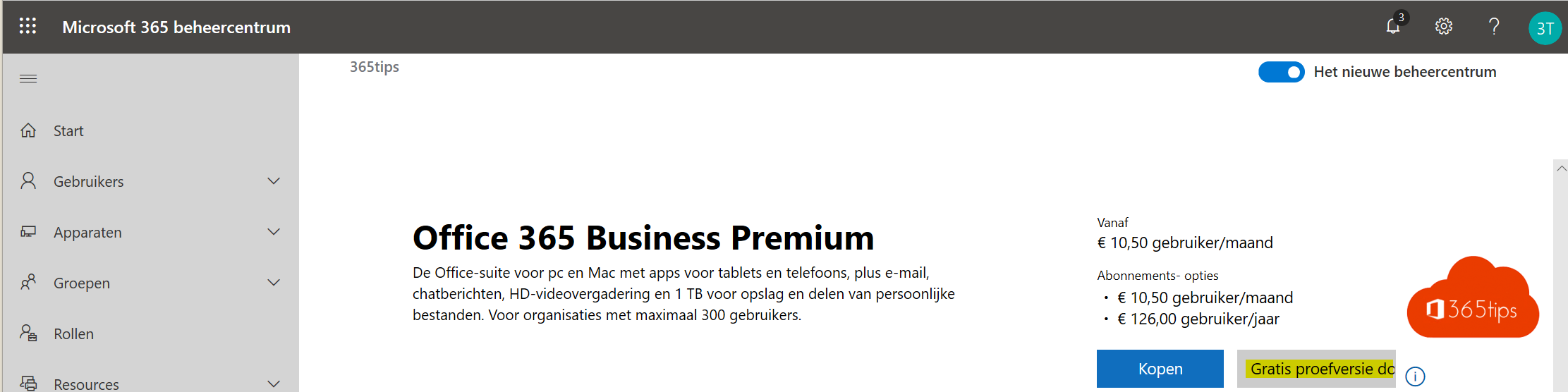
3. Prove that you are not a robot
Enter your mobile number -> Enter your code in the web portal
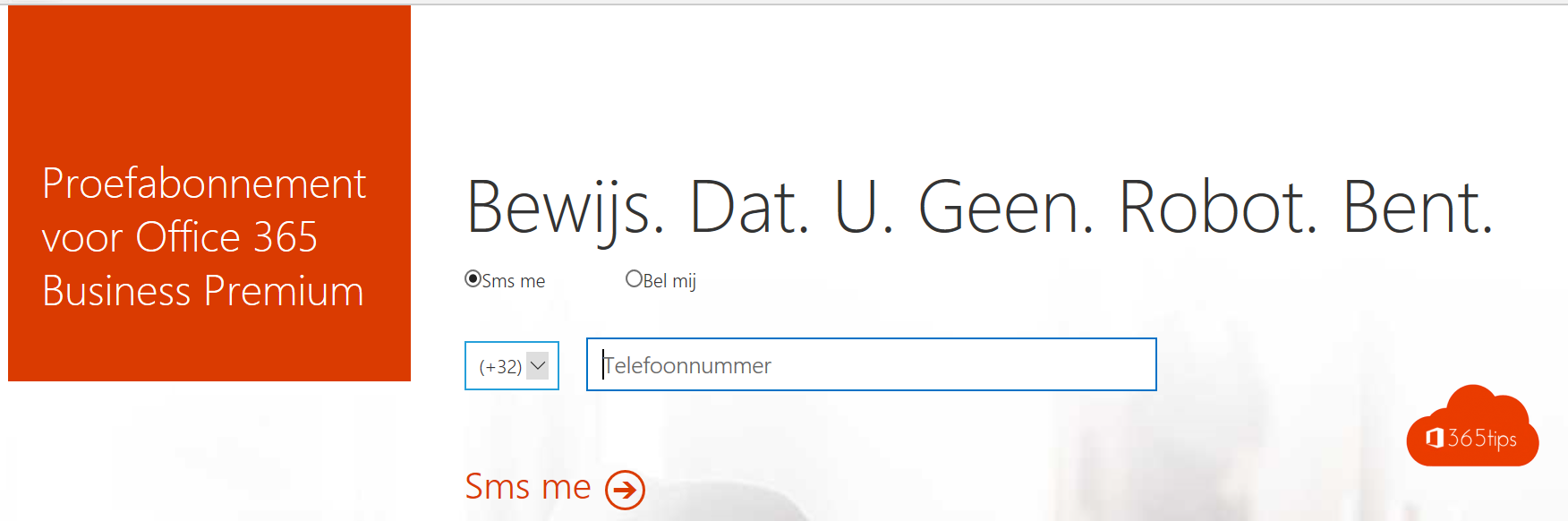
Click on Begin to start your free trial.
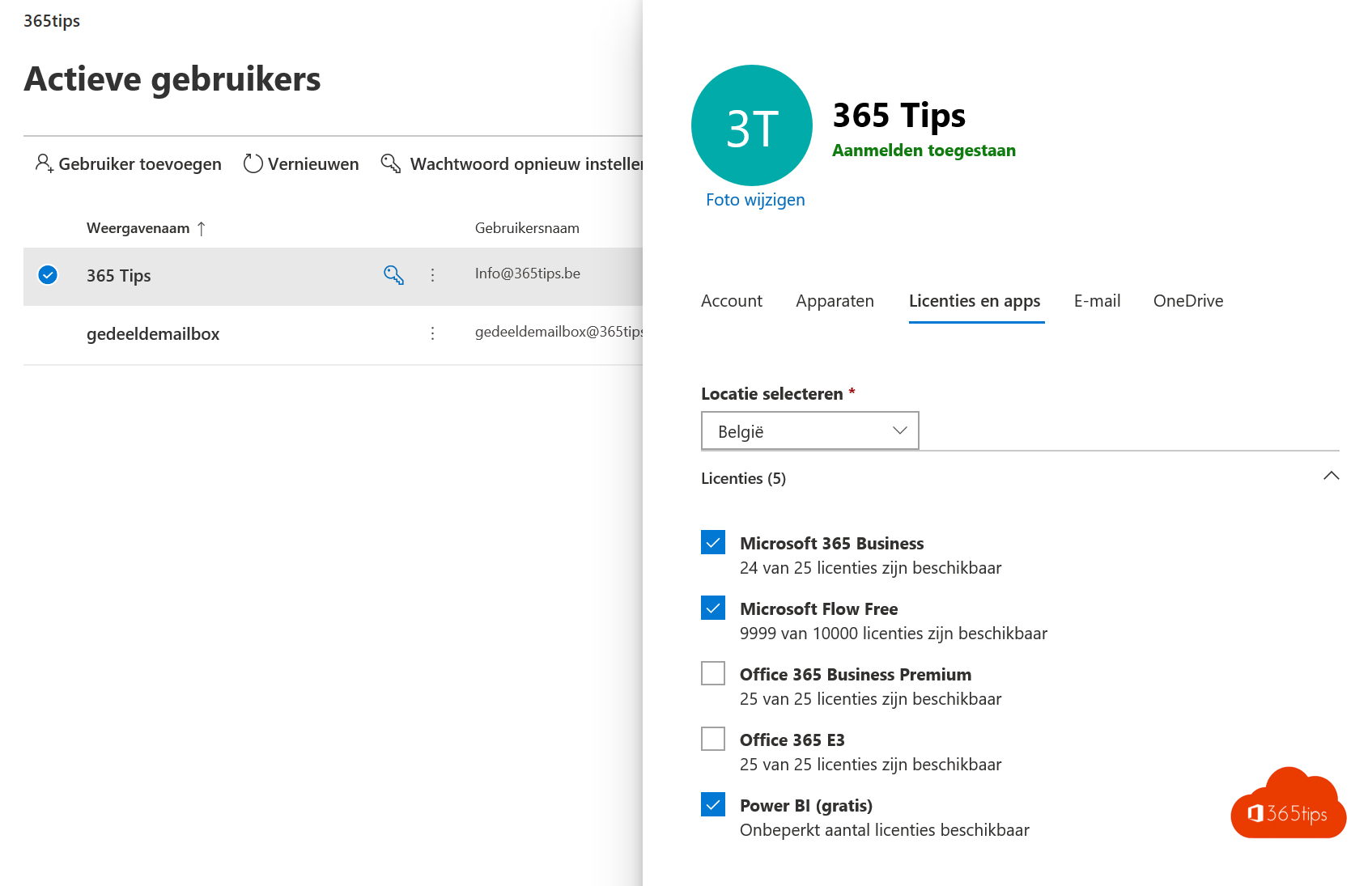
4. Add a licence to the user
This can be done via the Office 365 portal for a single user or in Azure for multiple users via Azure AD groups.
Request a Microsoft 365 or Azure tenant ID
Browse to this website: https://www.whatismytenantid.com
Create a tenant to host your own mailbox
You can add your own user with, for example, a business premium licence for 3-4€/month. With this you have 1TB online OneDrive, SharePoint50GB Exchange mailbox and you can of course be the forerunner of a Office 365 migration project.
A tenant with one licence costs EUR 4.20 per month.
Also read
Office 365 in education - Setting up a class tenant - Starters Guide
Adding a new email domain to Microsoft 365 - Admin Center - Tenant
Create a free Microsoft account | Live ID for consumers
How To Create A Tenant In Office 365
Source: https://365tips.be/en/how-to-create-a-office-365-tenant-for-testing-or-production/
Posted by: clarklects1948.blogspot.com
0 Response to "How To Create A Tenant In Office 365"
Post a Comment